Press kit
The OTC MVP brand, ready to download.
Logos, colours, typefaces, social banners and screenshots, for writing about OTC MVP or setting up an account in its name. Use them freely for that. For anything else, or a file that isn’t here, write to hello@otcmvp.com.
01 · About
In a sentence, and in a paragraph.
Short
OTC MVP builds and rebuilds websites for small SEC-reporting public companies that trade OTC, pairing a modern company site with a standardized, filings-fed Investors section.
Long
OTC MVP builds and rebuilds websites for small SEC-reporting public companies that trade OTC, pairing a modern company site with a standardized, filings-fed Investors section. Every site has two parts: the company site (what the business does, who it serves, how to reach it) and an Investors section with a live SEC filings feed from EDGAR, an OTC Markets quote and tier badge, a press release archive, and management and board bios. The Investors section carries only what the company has already filed or released. OTC MVP is a web vendor, not a broker-dealer, investment adviser or investor relations firm. It is based in Phoenix, Arizona.
- NameOTC MVP (always in capitals, with a space)
- Legal nameOTC MVP LLC
- Based inPhoenix, Arizona
- Websiteotcmvp.com
- Press contacthello@otcmvp.com
- NotA broker-dealer, investment adviser or investor relations firm. OTC MVP never discusses a client’s stock.
02 · Logos
An O with its corner folded down.
Like the dog-eared page of a filing, with the fold in manila. SVG for print and the web; transparent PNG for everything else, including HubSpot, which doesn’t take SVG.

Lockup
Symbol, name and tagline. The default for light backgrounds.

Lockup, reverse
The same in cream, for dark backgrounds and photos.

Lockup on navy
Comes with its own navy ground. Use it where you can't control the background.

Wordmark
The name alone, for tight horizontal spaces.

Wordmark, reverse
The name alone, for dark backgrounds.

Symbol
The folded O. Use it below about 120px wide, where the lockup gets too small.

Symbol, reverse
The folded O for dark backgrounds.

App icon
The navy square. Profile photos, avatars and favicons.
03 · HubSpot
The HubSpot brand kit.
In HubSpot, go to Marketing › Brand (in older accounts, Settings › Account defaults › Branding). These are the files and values for each field, matched to the email template and signature already in use.
Logo
Upload the lockup PNG. Name it “OTC MVP”, alt text “OTC MVP”, link
https://www.otcmvp.com. Add the reverse lockup as a second logo for dark email headers.Favicon
The navy app icon. HubSpot uses it only on pages it hosts, such as landing pages and meeting links.
Colours
- Primary
#1F4A3ELedger green, the email button colour - Secondary
#13201BLedger ink - Accent
#C9913AManila - Additional
#F1ECE2Paper, for backgrounds - Additional
#8A5D1BManila ink - Additional
#0E1726Night navy
- Primary
Fonts
Both are Google Fonts, so pick them from HubSpot’s font list; nothing to upload. Primary: Newsreader (headings). Secondary: Public Sans (body).
Email header
Already in the “OTC MVP | Base template” email. Use it at 180 × 42; the file is three times that, so it stays sharp.
Social accounts
If you connect LinkedIn or X in HubSpot’s social tool, use the 512px app icon as the profile photo and a banner from section 04.
04 · Banners
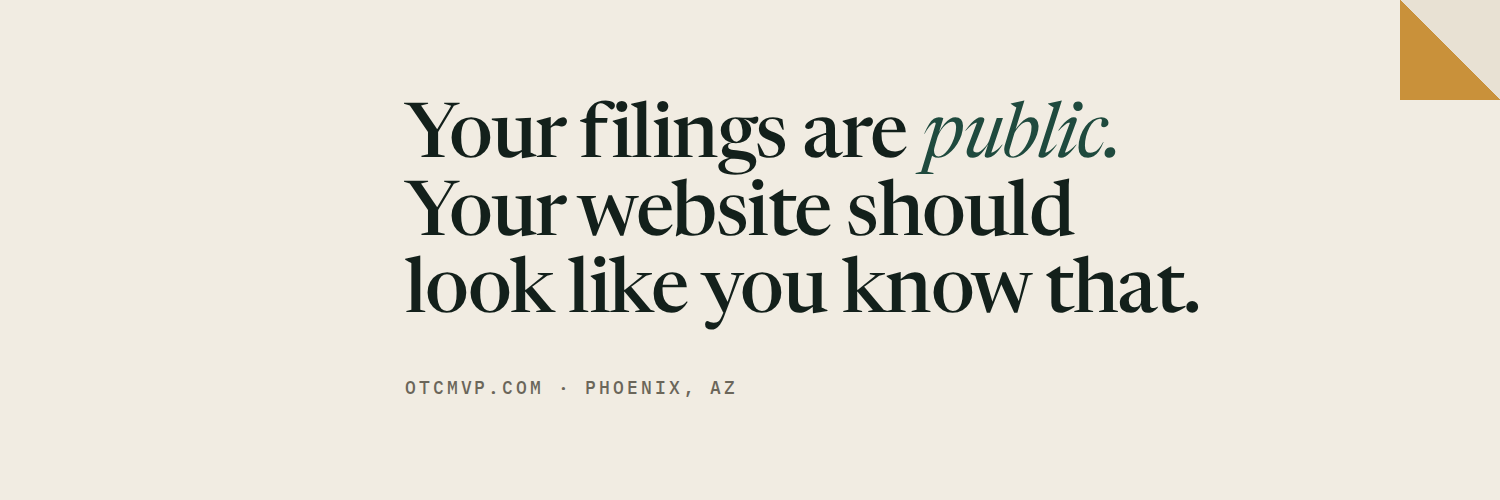
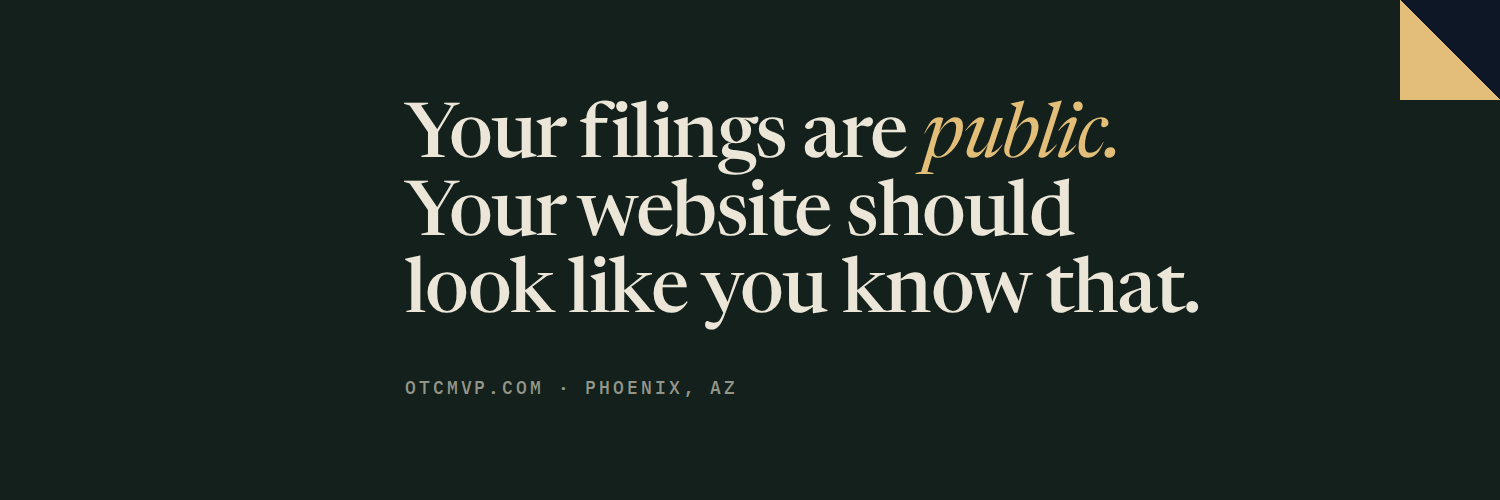
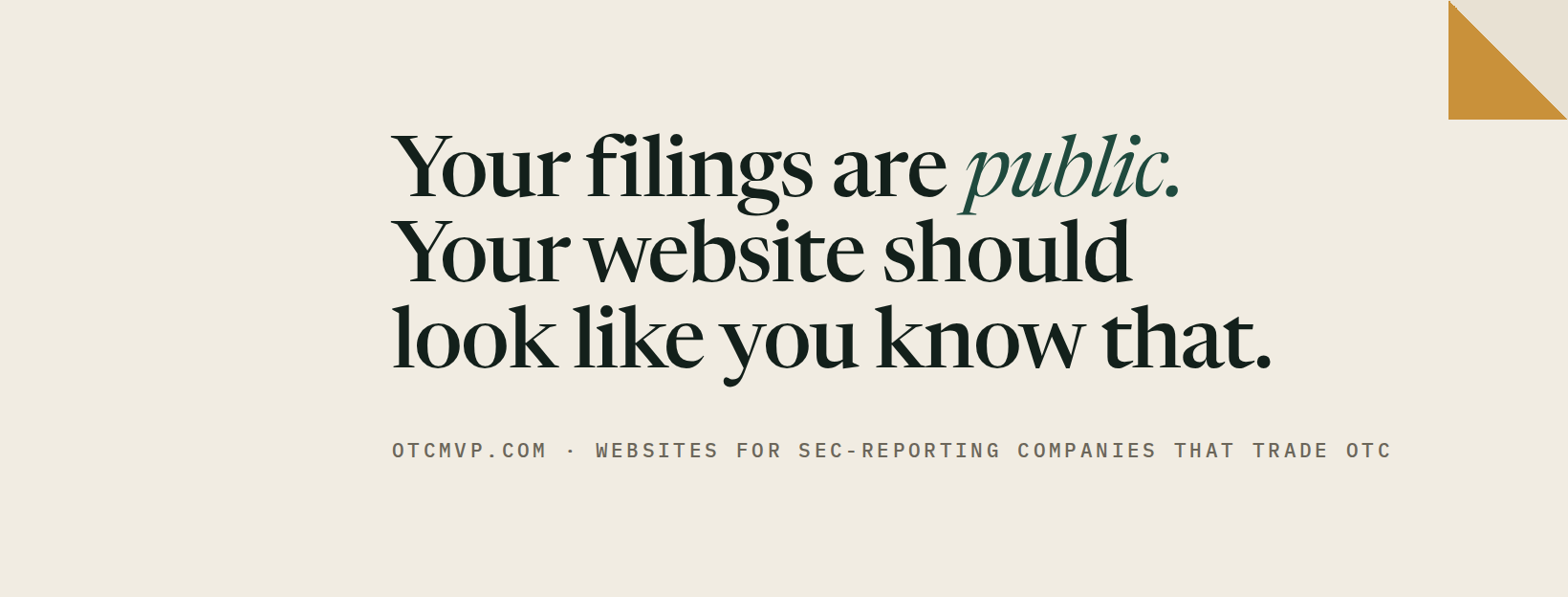
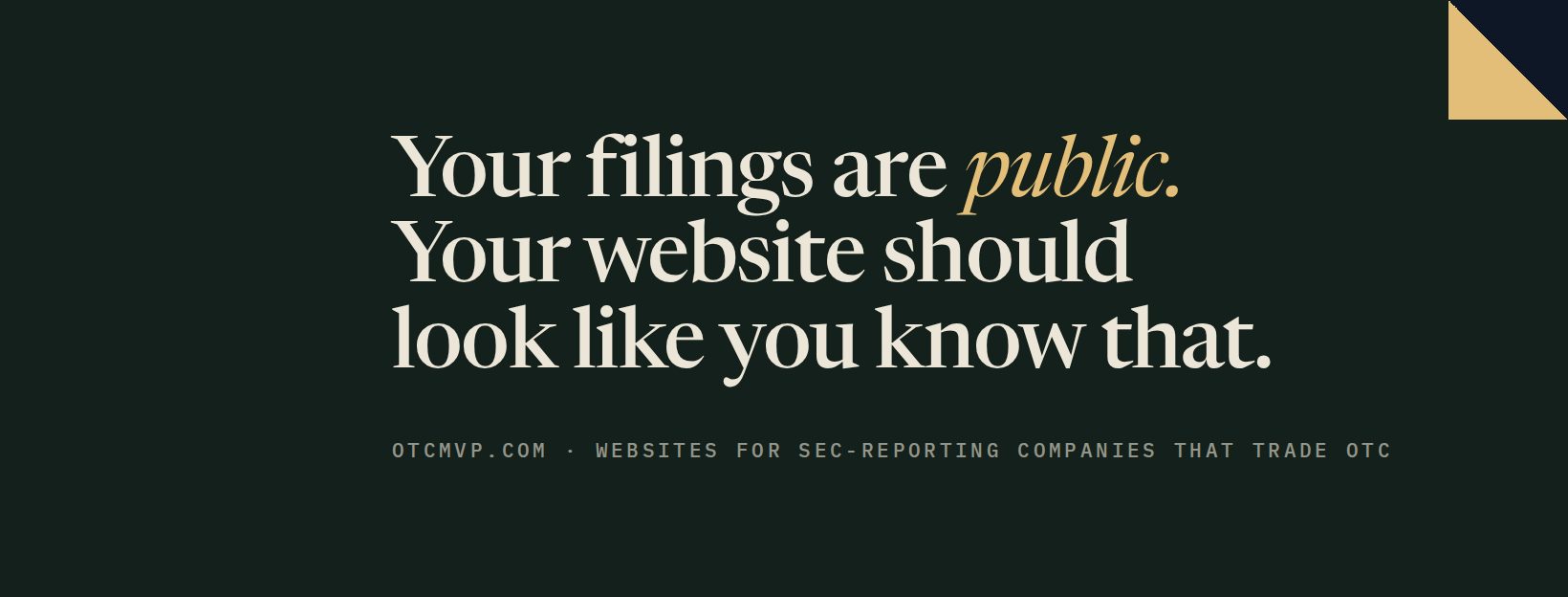
Profile covers, sized per platform.
The words keep to the right because every platform puts the profile photo over the lower left.
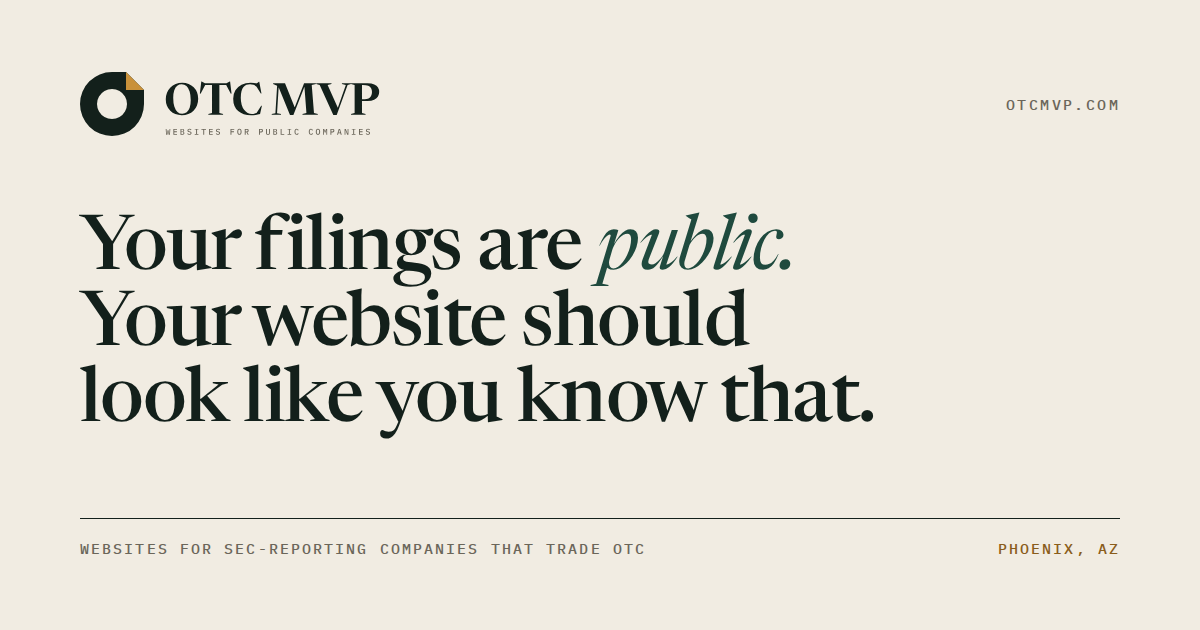
LightPNG 62 KB




05 · Colours
Ink, paper and a manila folder.
Green-black ink on warm paper, never pure white, with manila used sparingly as the accent.
Ledger ink
#13201BRGB 19, 32, 27Text, and the symbol on light backgrounds
Ledger green
#1F4A3ERGB 31, 74, 62Links, buttons and accents
Paper
#F1ECE2RGB 241, 236, 226Page background, in place of pure white
Manila
#C9913ARGB 201, 145, 58The folded corner on light backgrounds
Manila ink
#8A5D1BRGB 138, 93, 27Manila for small text, where it needs the contrast
Manila light
#E2BE78RGB 226, 190, 120The folded corner on dark backgrounds
Night navy
#0E1726RGB 14, 23, 38The app icon and the navy lockup
06 · Type
Three typefaces, all free.
All three are on Google Fonts, free for any use.
Your filings are public.
We rebuild the whole website: your products, your mission, your team.
10-K · 10-Q · 8-K · OTCQB
07 · Screenshots
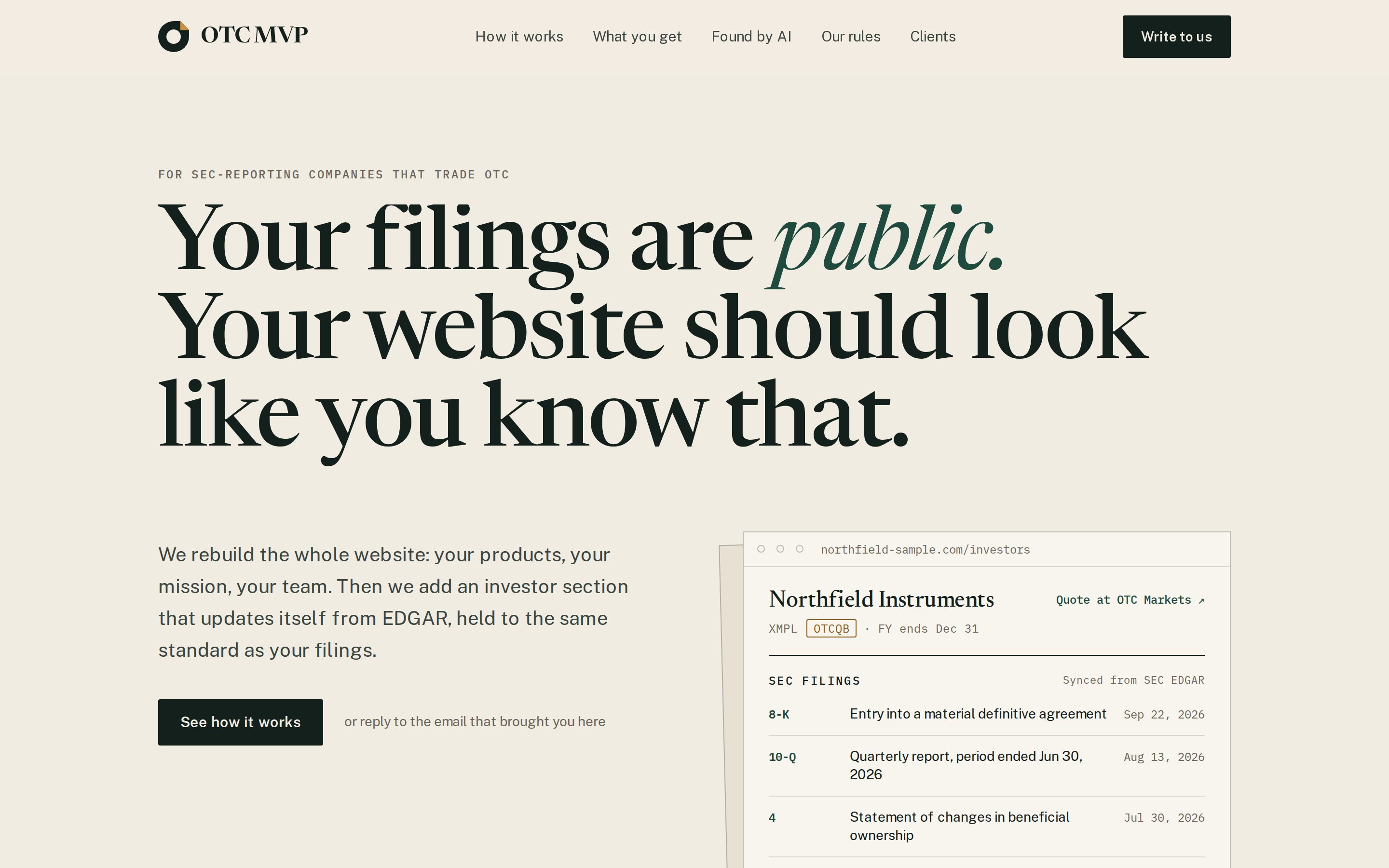
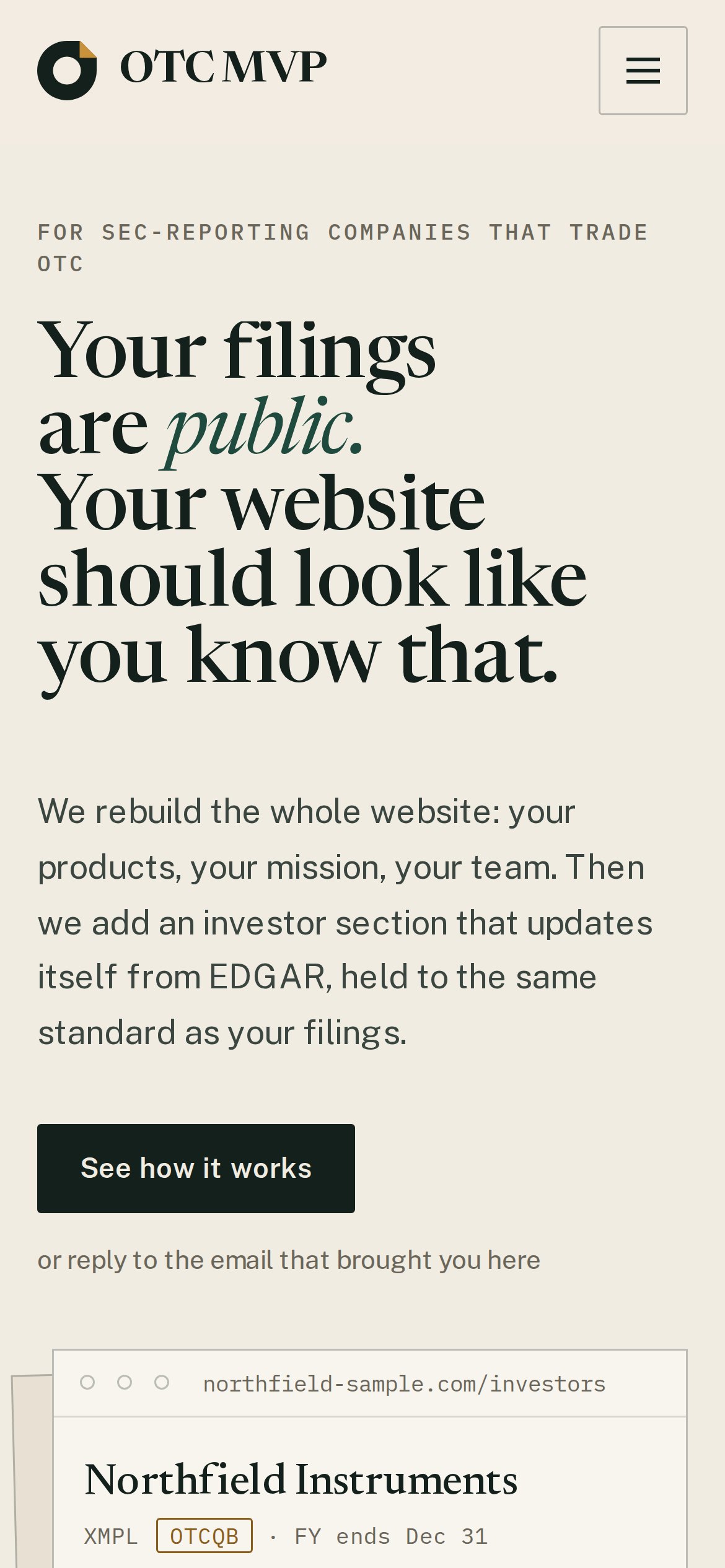
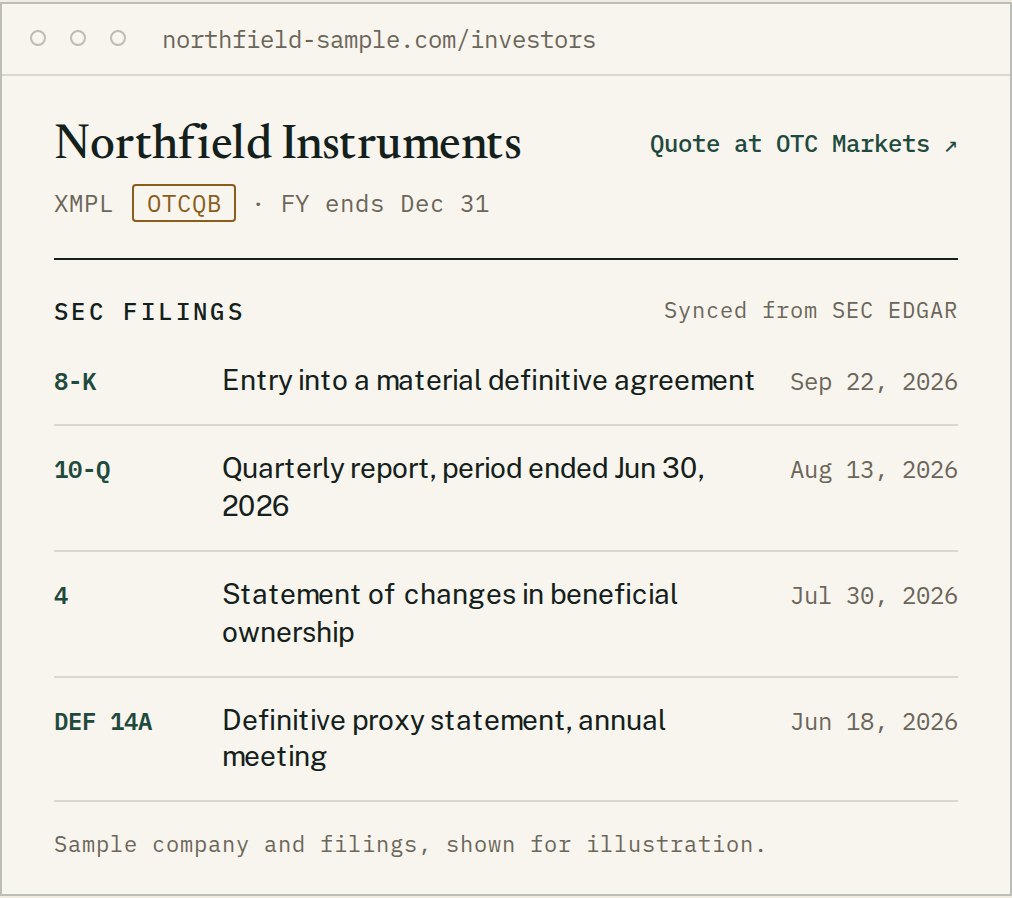
The site, as it is.
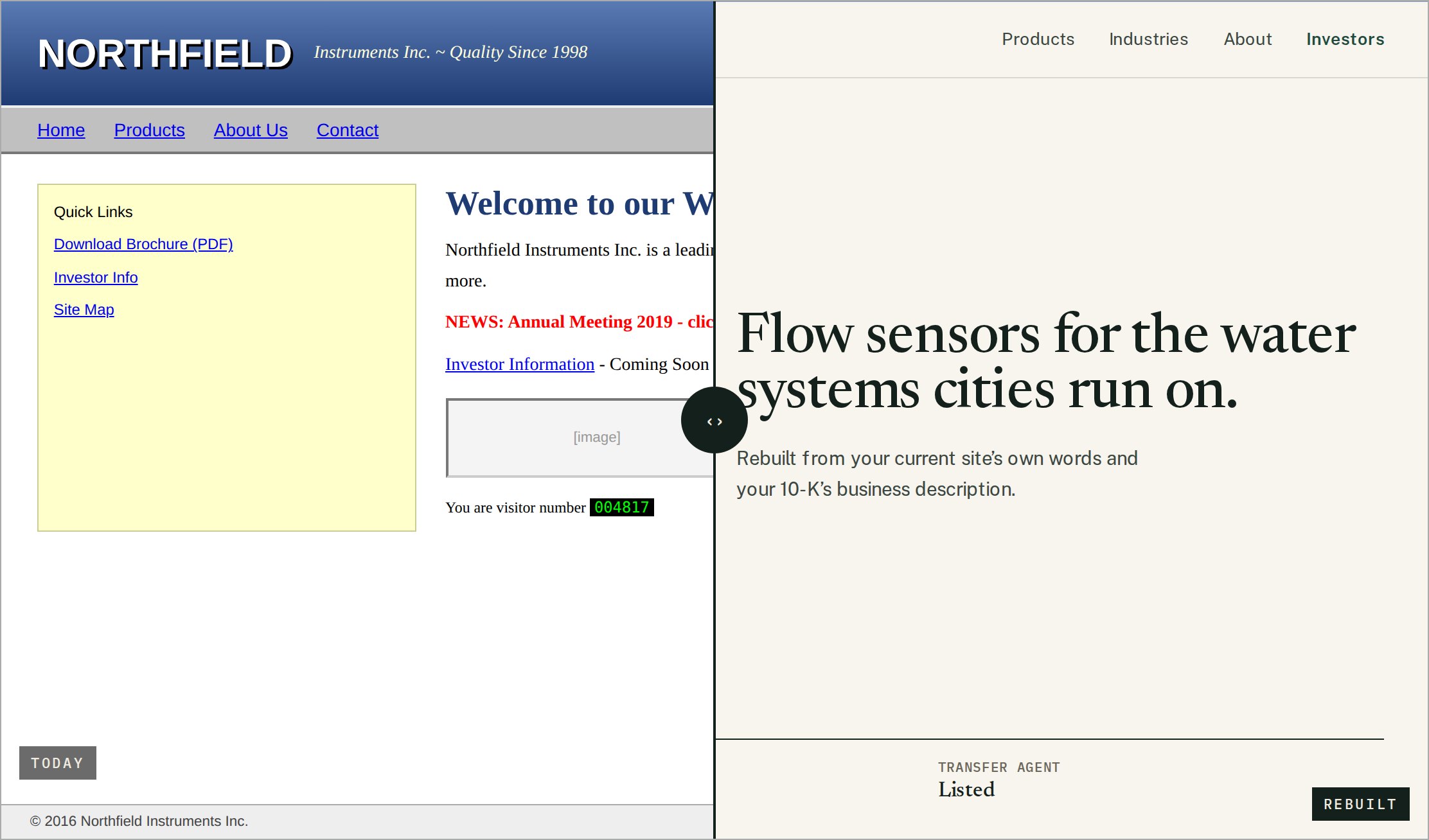
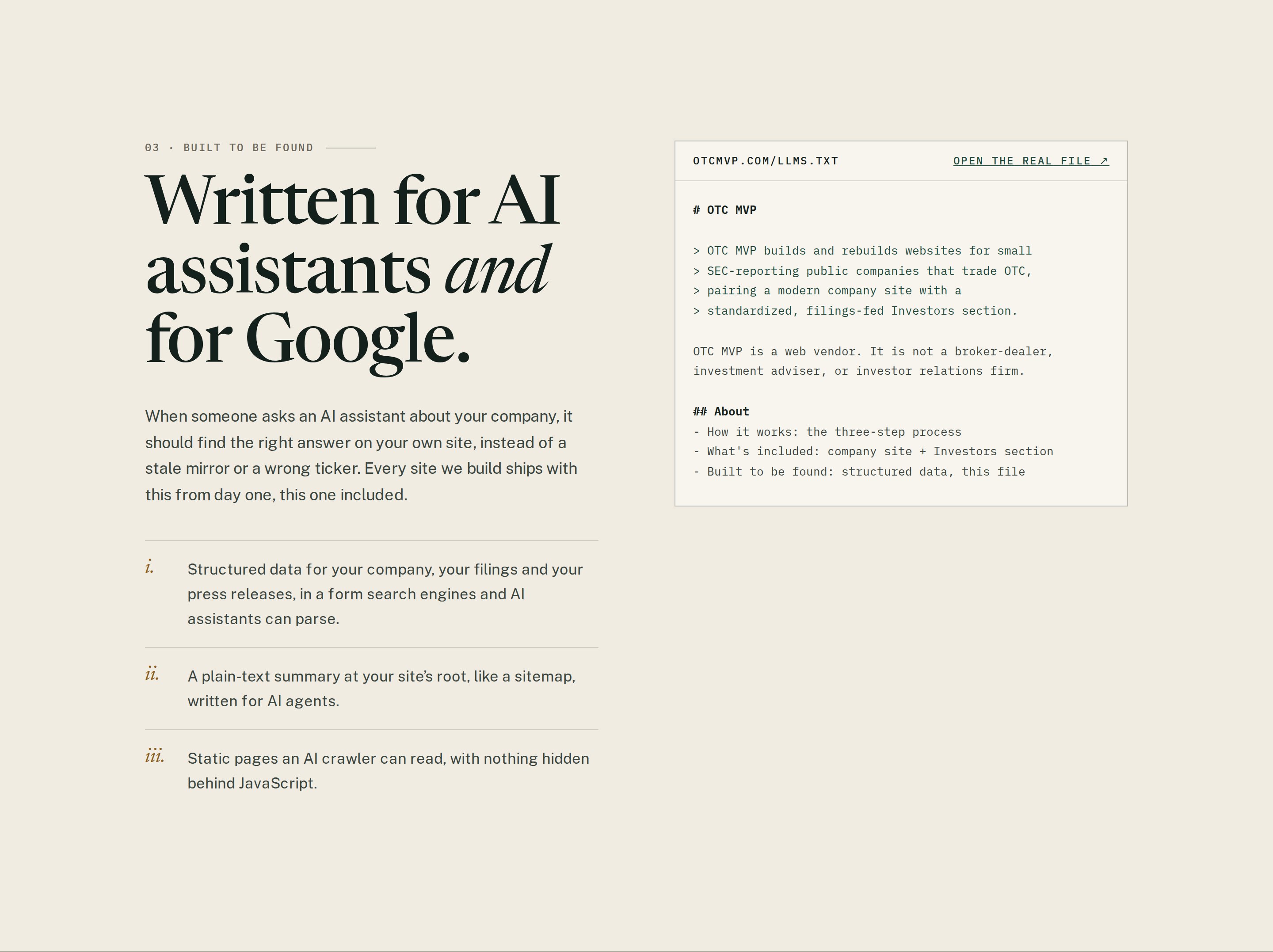
Taken from otcmvp.com. Northfield Instruments, the company in the sample screens, is fictional and made for the site; please say so if you show those.


08 · Usage
A few rules.
- 8.1Leave clear space around the logo of at least half the symbol’s height.
- 8.2Below about 120px wide, use the symbol alone instead of the lockup.
- 8.3Use the files as they are. Don’t recolour, stretch, rotate, outline or add shadows to them.
- 8.4On dark backgrounds or photos, use a reverse version. The fold stays manila.
- 8.5Write the name as OTC MVP: capitals, one space, no punctuation.
- 8.6Don’t use the logo in a way that suggests OTC MVP endorses a stock, a company or a product.